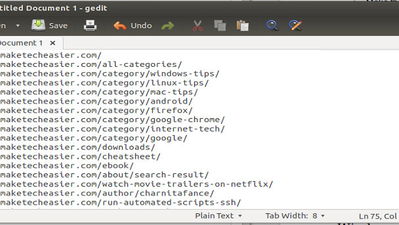
Has there ever been a time where you wanted to copy all links on a web page while browsing? Or maybe you just wanted to copy all download links from a page? If so, the Copy All Links Firefox add-on is just for you. It’s a lightweight add-on that gives you the ability to copy all or select links (or just download links) on a web page; it even supports non-clickable text links.
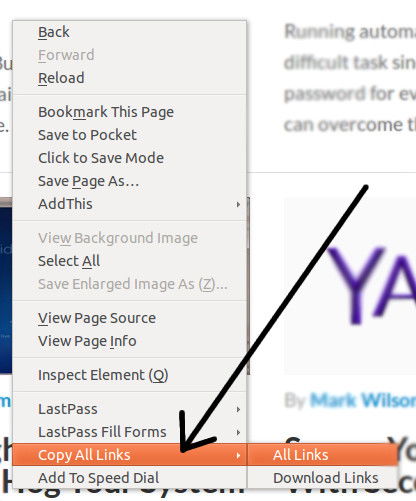
To use it, first install the add-on and restart Firefox. Now, go to any web page with links, right-click anywhere on the page and go to “Copy All Links -> All Links.” All of the links will be automatically copied to your clipboard, so now you can go paste them into a text editor, document or anywhere else you’d like.
If you only want to copy the download links, then choose that from the right-click menu instead. Alternately, you can highlight a select group of links on the page and only those links will be copied to your clipboard.
Copy All Links