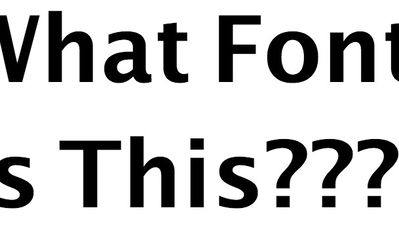
How many times have you come across a type of font on the web that you really liked and wanted to know the name of? Web developers often use tools like Firebug and Webkit for this task, but if you’re not familiar with those or just want something easier, WhatFont is the perfect tool for the job.
WhatFont is a Chrome extension that will identify the fonts used on web pages just by hovering your mouse over them. It can even detect the service used for serving the web font (ie. Typekit, Google Fonts).
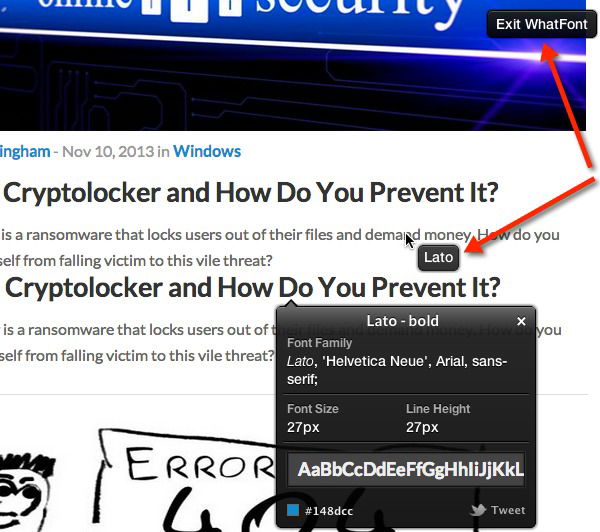
Once installed, you’ll need to reload any tabs in your browser that are already open, or go to a new tab. Next, click on the WhatFont browser icon and your mouse will turn into a web font inspector. Then you can hover your mouse over any font on a web page and you will see that font’s name displayed.
Clicking on a font will display even more info about it like the size, height and color. When you’re done inspecting the page, click on “Exit WhatFont” at the top right corner to return your mouse point back to its regular state.