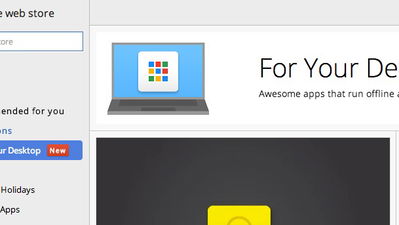
If there’s a website that you visit frequently in Google Chrome, and you’re looking for an easy way to access it, you may want to consider this new experimental feature. This feature is called “streamlined hosted apps” and it allows you to create your own Chrome Hosted App for any website. What this basically does is add a website bookmark to the Chrome App Launcher.
Unfortunately, the feature is only available in Windows (as of now). Here’s how to use this new experimental feature:
![Add Any Website to the Chrome App Launcher with this Trick [Windows]](https://img.gamelinxhub.com/images/chrome-hosted-app-demo.jpg "Add Any Website to the Chrome App Launcher with this Trick [Windows]")
1. Go to this link in Google Chrome:
chrome://flags/#enable-streamlined-hosted-apps2. Click on “Enable” under the “Enable experimental streamlined hosted apps” section.
Note: Since the feature isn’t final yet, this is the only way to turn it on.
3. Browse to any website that you’d like to create a hosted app for.
4. Click on Chrome’s menu button, go to the Tools menu and click on “Create app for this website.”
That’s it! Now you should see that website in the Chrome App Launcher. If you’re using Chrome OS, this can be a really convenient way to access all of your favorite and/or frequently visited websites.