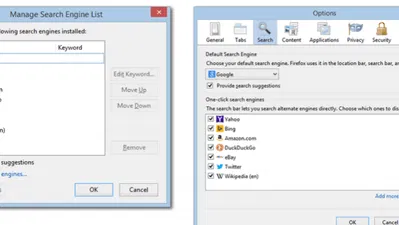

This Firefox Add-on Can Resurrect Dead Web Pages

What do you usually do when a web page is inaccessible (ie. dead or broken)? You probably move on to another web page and never look back; I’m guilty of this myself. In some cases though, you may really want to see what’s on that page – by any means necessary.
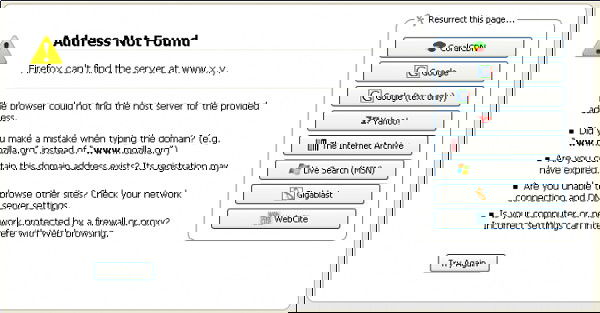
A sample web page with 'net error' message and Resurrect Pages integration.

This is where the Resurrect Pages add-on for Firefox comes into play; it does its best to make this happen for you. This add-on searches through five big cache/mirrors in order to find that specific web page. In many cases, it can resurrect dead web pages in a snap.

Once installed, if you come across a web page with a “net error” page, you’ll see options on the right side to resurrect it. However, you can also use the right-click context menu to resurrect a page, as well as to view the page at an earlier date (using The Internet Archive).

Resurrect Pages Add-on

Image Credit: CyboRoZ

Recommended Articles

About Us

We are a dynamic information platform dedicated to delivering timely, relevant, and reliable content across a broad spectrum of topics. From the latest in technology and business to lifestyle, health, and global affairs, we aim to keep our readers informed and inspired.

Our editorial team is committed to maintaining high standards of accuracy and clarity, ensuring that every article provides value and context in an ever-changing world. We believe in the importance of accessible knowledge and strive to make complex topics understandable for everyone.

Whether you're here to stay updated on current events, explore thought-provoking features, or simply learn something new, our goal is to offer a trustworthy source of information that meets the needs of a diverse and curious audience.